For students · iPhone
Block TikTok while you study.
On iPhone, Screen Time’s App Limits can block TikTok for free. If you want it to stay locked until the studying is actually done, Kettle opens it for 20 minutes after two quick questions on your course.
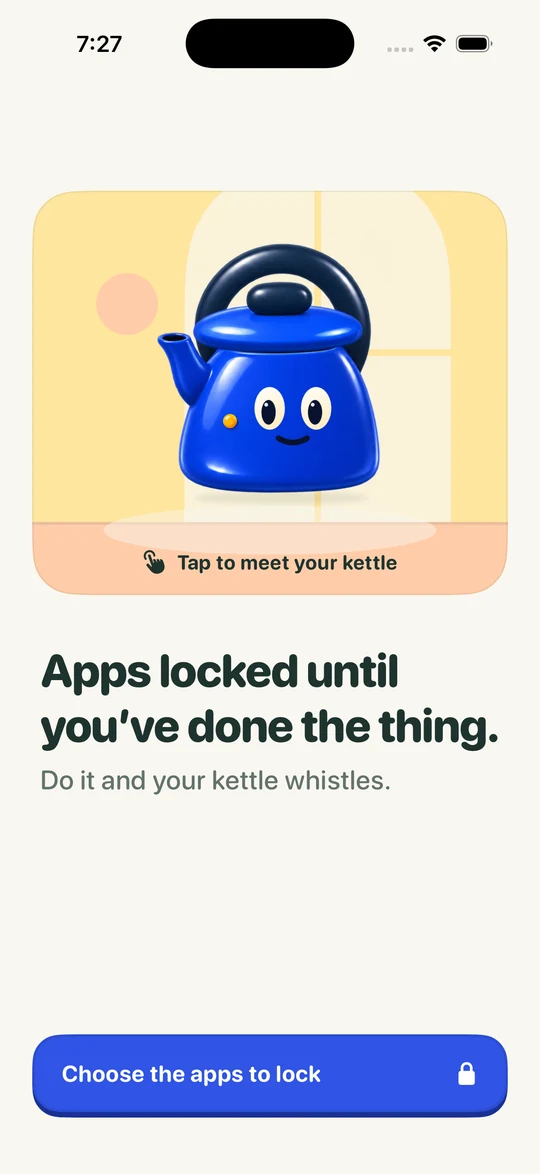
How it works
Lock. Two questions.
Whistle. Scroll.
 Boil first.
Scroll after.Unlock for today1You open TikTok.
A Screen Time shield covers it: “Boil first. Scroll after.”
- Quick Check · 1 of 2Chem 110How many moles are in 18 g of water?One mole
2Two quick questions.
Answer from memory, on a topic you chose. Miss one and Kettle shows you why.
-
3Your kettle whistles.
That’s a Boil done. You earned the scroll.
- 20min
420 minutes. Then it locks.
Start your window when you’re ready. When it ends, your apps lock again.
On iOS 26.5 or later, one tap on the shield opens Kettle straight onto your first question; on earlier versions you tap a Kettle notification. A longer Topic Review earns 60 minutes. Illustrations and example question, not screenshots.
Option 1 · Built in
Screen Time
App Limits.
- Open Settings, then Screen Time, then App Limits.
- Tap Add Limit, open Social and select TikTok (and Instagram, if you like). Tap Next.
- Set a short time, such as one minute, and keep Block at End of Limit on. Tap Add.
It’s free and it works by time. It doesn’t know whether you studied, and when the limit hits, Ignore Limit is one tap away unless you’ve set a Screen Time passcode.
Option 2 · Kettle
Locked until
you’ve studied.
- Choose apps to block. Open Kettle and tap Choose apps to block. Your iPhone shows Apple’s own Screen Time permission straight away. You can turn it off later.
- Pick the apps. Tap Choose apps and websites and select TikTok, plus tiktok.com if you watch in Safari. You can pick single apps, websites or a whole category such as Social.
- Pick what earns your scroll. Choose Learn a little and a topic: a course you’re taking, a language, anything you want to get better at.
- Lock them. Tap Lock them until I’ve done it. Next time you reach for the scroll, the shield is there.
Finals week
Lock it the night
before the first exam.
Set the topic to that exam’s course. Every time your thumb wanders to TikTok, you get two questions on what’s coming up, then 20 minutes. When the window ends, it locks again.
The same works for Instagram, YouTube, Reddit or a game. Pick as many as you like, or a whole category.
Good
questions.
Does this delete TikTok or my account?
No. Kettle covers the app with a shield; nothing is deleted, and your account, drafts and messages stay exactly as they are.
Can I block TikTok in Safari too?
Yes. Kettle’s app picker includes websites, so you can add tiktok.com as well.
Can I still unlock in an emergency?
Yes. Unlock for today is always there, and you can turn blocking off whenever you need to, without paying. It just doesn’t count as a Boil, so your kettle cools a little.
Can Kettle see which apps I use?
No. Apple’s Screen Time keeps your app choices on your iPhone. Kettle can’t see which apps you picked or how long you spend in them.
Is Kettle free?
Your first earned window is free on a new account. After that, earning windows is part of Kettle Pro, a monthly or yearly subscription. The App Store shows the price for your country before you decide. Unlock for today and turning blocking off are always free.
Go on.
Lock the scroll.
TikTok will still be there in 20 minutes.